
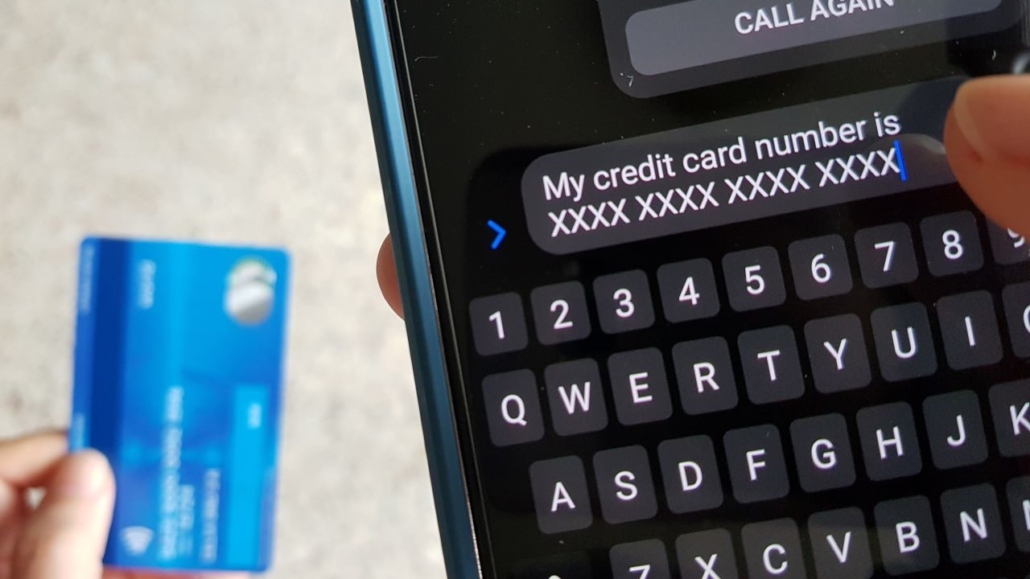
Scammers are increasingly using QR codes and barcodes to trick customers into visiting fraudulent websites or making unauthorized payments. Sometimes, this can even involve directing customers to use fraudulent QR codes and barcodes at payment centers at major retail outlets. These scams — often called quishing — work by replacing or covering legitimate codes with counterfeit ones, then directing customers to malicious sites designed to steal personal or financial information.
QR codes appear everywhere: bills, payment kiosks, retail locations and service vehicles. While they’re convenient, customers should treat QR codes the same way they treat any unfamiliar link: verify before you scan.
How QR and barcode scams work
Scammers may:
- Place a fraudulent QR code over a legitimate one on a bill, flyer or sticker.
- Send phony QR codes by text or email claiming to connect you to customer service.
- Include QR codes in fake overdue bill notices.
- Direct you to spoofed payment apps or sites that look official.
Once scanned, the QR code may take you to a malicious website prompting you to share personal details or complete a payment. In some cases, scammers provide a phony payment routing number or ask for banking information to “verify your account”— leading to fraudulent charges.
How customers can protect themselves
Entergy encourages customers to follow these guidelines:
1. Verify any QR code before scanning.
Use QR codes only from official Entergy channels—including bill inserts, company emails you have opted in to receive, and our website.
2. Never use QR codes to pay a utility bill unless it’s clearly provided by Entergy.
Fraudulent QR code payments may appear to process successfully, but scammers withdraw funds and the bill ultimately remains unpaid. Additional late, return or reconnect fees may apply.
3. Use only authorized Entergy payment methods.
- Approved payment methods can include:
- myEntergy online account (electronic check at no fee)
- Speedpay credit/debit card payments
- IVR pay-by-phone through 1‑800‑ENTERGY
- Text, mobile wallet and moBills payments through Speedpay
- Walk-in payment centers
- AutoPay
- Standard mail with your bill stub
(Apple Pay and Google Pay remain valid Speedpay options.)
4. Stop and verify any suspicious message.
If you receive an unexpected request for payment through a QR code — via email, text or printed material — contact Entergy directly using the number on your bill.
If you suspect a scam
Customers who believe they may have scanned a fraudulent QR code or completed a payment through a suspicious site should:
- Stop communication with the suspected scammer
- Gather details and screenshots
- Call 1‑800‑ENTERGY to speak with a customer care representative
- Report the incident to the Federal Trade Commission or Better Business Bureau
For additional information on avoiding scams, visit Entergy.com/Scams.

